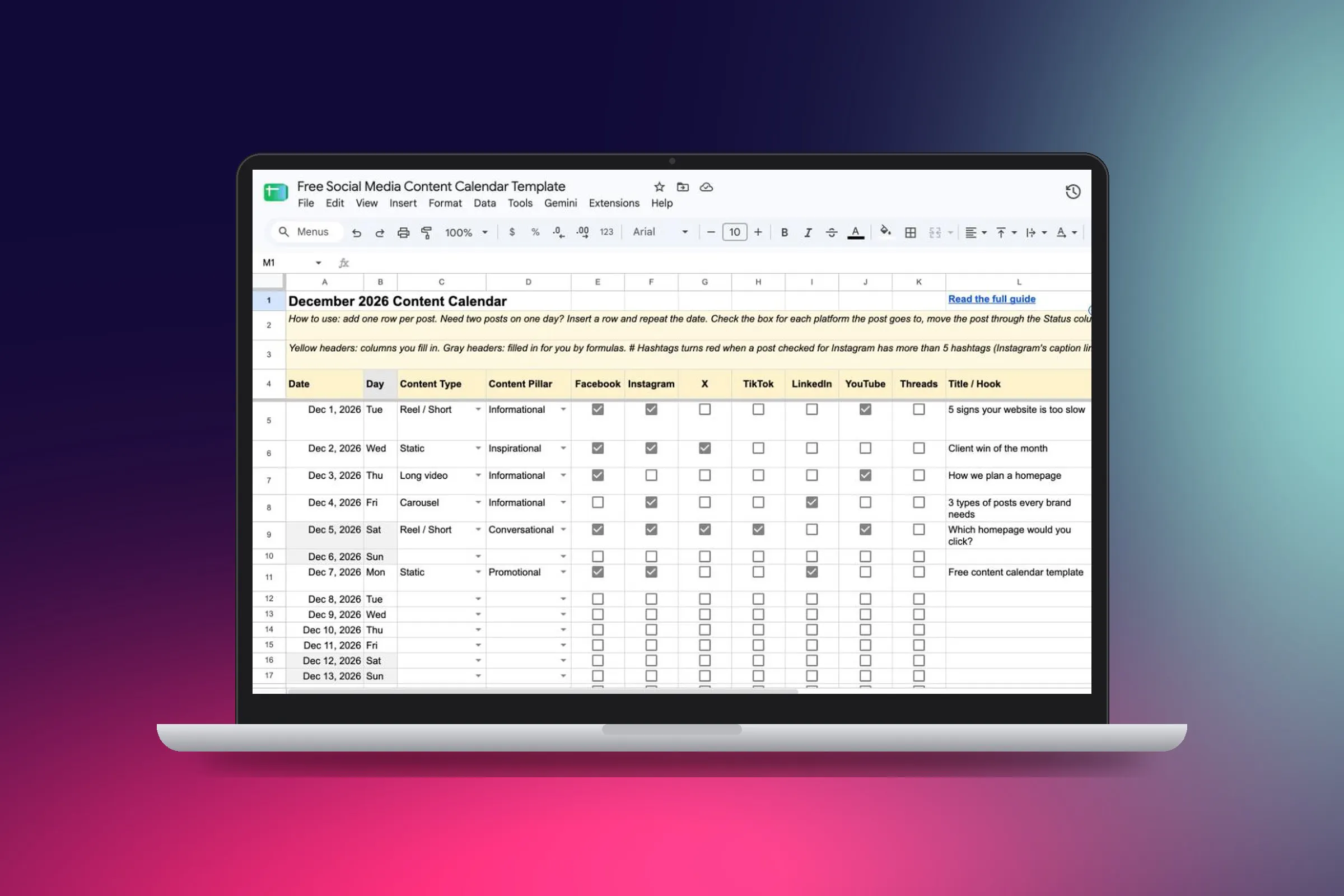


Buffer vs Later (2026): Which Social Media Tool Should You Use?
Buffer or Later? We compare pricing, features and who each tool is best for, plus Metricool, the social media management tool our team uses today.
Social media has taken over the world. About 5.66 billion social media user identities are active today, roughly two in three people on Earth.
That’s a lot of feeds to keep fed.

The problem? Every platform is its own island. Jumping between Instagram, Facebook, TikTok and LinkedIn to post, reply and pull numbers eats your whole week.
That’s why social media management tools exist: one place to plan, schedule, publish and measure everything.
We used Buffer for years. Today, our team mostly uses Metricool. In this guide, we compare Buffer vs Later (plus Metricool) on pricing, features and who each one is really for.
The Quick Answer
- Choose Buffer if you want the simplest tool and pay-as-you-grow pricing for a handful of channels.
- Choose Later if your brand lives on Instagram and TikTok and you want visual planning, Link in Bio and influencer tools.
- Choose Metricool if you manage several brands and need strong analytics, ads data and automated reports. It’s what our team uses most today.
All prices below are in USD, before tax, as listed on each company’s pricing page in November 2026.
Buffer: Simple, Clean and Priced per Channel
Buffer is like a clean, well-designed house: every room is right where you expect it.

Its posting flow is straightforward. Pick your channels, upload your content, tweak it for each platform and schedule it. You can drag posts around a queue or a calendar, and a built-in AI Assistant helps with captions and ideas.
Buffer pricing
- Free: Up to 3 channels, 10 scheduled posts per channel, 1 user
- Essentials: $5 per channel per month, with unlimited scheduled posts, advanced analytics and reports
- Team: $10 per channel per month, with unlimited users, approval workflows and branded reports
Buffer supports Instagram, Facebook, TikTok, LinkedIn, X, YouTube Shorts, Threads, Pinterest, Google Business Profile, Bluesky and Mastodon. (See Buffer’s pricing.)
Pros and cons
- Pros: Very easy to learn, a genuinely useful free plan, low cost for a few channels, and responsive customer support in our experience.
- Cons: Per-channel pricing adds up fast for agencies with many accounts, and approval workflows require the Team plan.
Good to know: Buffer can auto-publish Instagram posts, Reels and Stories to professional accounts, but Stories with music, stickers or links still go out as phone notifications.
" The best tool is the one your team will actually use every day. "
Later: Visual Planning for Instagram-First Brands
Later is the quirky, creative house on the block. It started as an Instagram planner, and today it’s just as focused on creators and influencer marketing.
Its strengths are visual: drag media from your library onto a calendar, preview your grid, and manage a Link in Bio page that turns your profile into a mini landing page.
Later pricing (billed yearly)
- Starter: $18.75 per month, with 1 social set (up to 8 profiles), 1 user and 30 posts per profile per month
- Growth: $37.50 per month, with 2 social sets, 2 users and 180 posts per profile per month
- Scale: $82.50 per month, with 6 social sets, 4 users and unlimited posts
Every plan includes Link in Bio and a 14-day free trial. Later doesn’t list a free plan on its pricing page. It supports Instagram, Facebook, Threads, Pinterest, TikTok, LinkedIn, YouTube and Snapchat.
Pros and cons
- Pros: Beautiful visual planner, built-in Link in Bio, and auto-publishing for Instagram Stories on business profiles.
- Cons: No free plan, post limits on the lower tiers, and the best team and analytics features sit on the pricier plans.
Why We Switched From Buffer (and Picked Metricool)
We used Buffer for years. But by mid-2023, it was causing more headaches than it solved.
- Failed posts: In the first half of 2023 alone, we got more than 50 “failed to post” emails.
- Late video support: YouTube Shorts scheduling only arrived in June 2023.
- Rising costs: Per-channel pricing kept climbing as we added client accounts.
At some point we looked at each other and asked: what’s the point of paying for this? So in July 2023, we cancelled and went back to posting directly on each platform.
That worked… until it didn’t. Jumping between native dashboards for every client doesn’t scale. In 2026, we tested Hootsuite and Metricool, and chose Metricool.
What we like about Metricool
- Pricing: It’s priced per brand, not per channel, which fits an agency managing many clients.
- The planner: One calendar for every network and every brand.
- Approval flows: A built-in review step before posts go live.
- MCP: Metricool’s MCP server lets us connect AI assistants to plan, schedule and check analytics from a single chat.
To be fair to Buffer, a lot has changed since 2023. It now auto-publishes Reels, Shorts and many Stories, and its free plan is still a solid starting point.
" We used Buffer for years. Today, our team mostly uses Metricool. "
Metricool: The Tool We Use Today
When you manage social media for many clients, scheduling is only half the job. The other half is proving it worked.

Metricool combines scheduling with deep analytics. On paid plans, you get unlimited analytics history, competitor tracking, connections to Facebook, Google and TikTok Ads, and automated PDF or PowerPoint reports you can send every month.
Metricool pricing (billed yearly)
- Free: 1 brand, 20 scheduled posts per month, 30 days of analytics
- Starter: From $20 per month for 5 brands (up to 10 brands), with unlimited posts and automated reports
- Advanced: From $53 per month for 15 brands (up to 50), adding unlimited team members, approvals and a Looker Studio connector
Metricool supports Instagram, Facebook, Threads, Bluesky, Pinterest, TikTok, YouTube, Twitch, Google Business Profile and LinkedIn (on paid plans). X costs an extra $10 per month per account. (See Metricool’s pricing.)
Pros and cons
- Pros: Priced per brand instead of per channel, strong analytics and ads reporting, and automated client reports.
- Cons: More features means a steeper learning curve, and X support is a paid add-on.
Want to know what to put in those monthly reports? Grab our free social media monthly report template.
Buffer vs Later vs Metricool: Which Should You Choose?

- Solo creator or small business with 1–3 channels: Start with Buffer’s free plan.
- Instagram- and TikTok-first brand that lives on visuals: Try Later.
- Agency or team managing several brands: Metricool gives you the most reporting power for the price.
Whichever you choose, remember: a tool can’t fix a weak plan. Start with a clear social media marketing strategy and the types of posts every brand needs.
Rather hand it off? Our social media marketing team plans, creates, schedules and reports on content for brands every week.

Buffer vs Later FAQ
It depends on your needs. Buffer is simpler and cheaper for a few channels. Later is stronger for visual, Instagram-first planning and includes Link in Bio.
Let Us Handle Your Social Media
From strategy and content to scheduling and monthly reports, we help brands show up consistently and grow.