


Prismic vs Contentful (2026): Which Headless CMS Is Right for You?
Prismic or Contentful? We compare 2026 pricing, features, pros and cons, and share what we’ve learned building websites on Prismic.
Picking a headless CMS is a bit like picking a moving company. They all promise to carry your stuff. The question is who won’t drop the piano.
Prismic and Contentful are two of the best-known options. We first compared them back in 2021. A lot has changed since then, so we’ve rewritten this guide with 2026 pricing, features and what we’ve learned building sites on Prismic every week.

The Quick Answer
- Choose Prismic if you want your marketing team to build and edit pages themselves with on-brand sections, at a price that starts at $0 and grows gently.
- Choose Contentful if you’re a larger company with a strong development team, many channels to publish to and an enterprise budget.
Prices below are in USD, as listed on each company’s pricing page in November 2026.
What Is a Headless CMS?
A headless CMS stores and manages your content, then sends it to your website or app through an API. It doesn’t control how that content looks.
With a traditional CMS like WordPress, content, design and code all live in one system. A headless CMS separates them. Your developers build the front end with any framework they like (we use Next.js), and your team manages content in a clean editor.
Why does that matter? Because the front end can be built for speed, and the content can be delivered through a global CDN (content delivery network), which serves files from a server close to each visitor.

Weighing a headless CMS against WordPress? Read our full WordPress vs Prismic comparison.
Prismic vs Contentful at a Glance
Prismic
- Best for: Marketing websites where non-developers build and edit pages
- Signature feature: Slices, reusable page sections your team mixes and matches
- Pricing: Free plan, then $10, $25, $150 and $675 per month per repository (billed annually), plus Enterprise
- Free plan: 1 user, 2 locales, 4 million API calls and 100 GB of CDN bandwidth a month
Contentful
- Best for: Large, multi-channel content operations with dedicated developers
- Signature feature: Flexible structured content models delivered to any channel
- Pricing: Free, then Lite at $300 per month, plus custom Enterprise pricing
- Free plan: 10 users, 2 locales, 100,000 API calls and 50 GB of CDN bandwidth a month
" The best CMS is the one your marketing team can actually use without calling a developer. "
Contentful: Built for Big, Multi-Channel Teams
Contentful describes itself as a platform for delivering content to every channel from a single source. It’s powerful, flexible and popular with large companies.
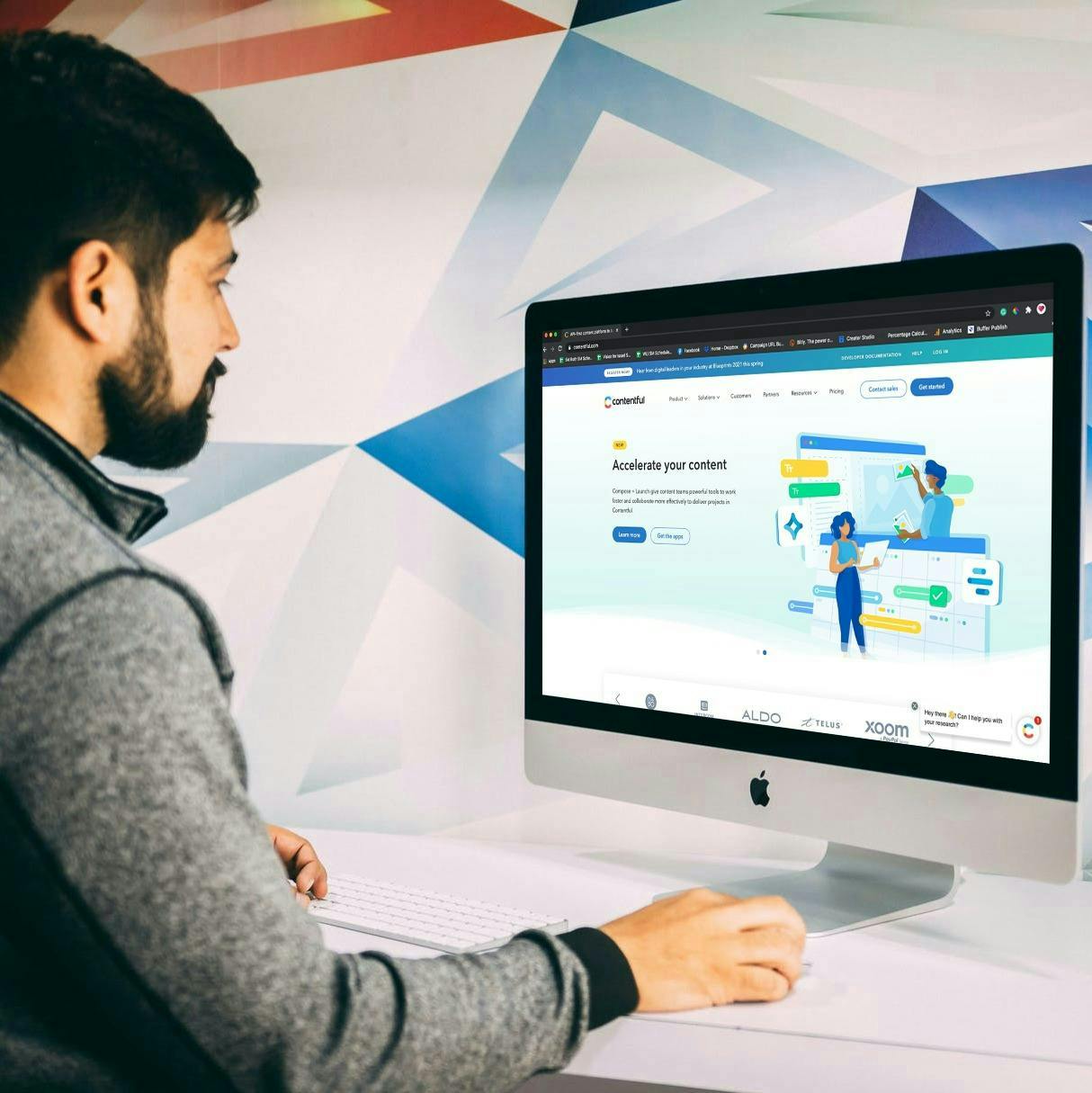
Contentful pricing
- Free: $0, with 10 users, 2 roles, 2 locales, 100K API calls and 50 GB of CDN bandwidth a month
- Lite: $300 per month, with 20 users, 3 roles, 3 locales, 1M API calls and 100 GB of CDN bandwidth a month, plus scheduled publishing and live collaboration
- Enterprise: Custom pricing, with advanced security, uptime SLAs, dedicated support and add-ons like Personalization, Studio and AI Actions
Pros and cons
- Pros: Very flexible content modeling, strong APIs and SDKs, generous free plan for users, and enterprise-grade governance.
- Cons: A big jump from $0 to $300 a month, a developer-heavy setup, and visual page building (Contentful Studio) is an Enterprise add-on.
Prismic: Built for Marketing Teams
Prismic is built around slices. Your developers design and code custom page sections (a hero, a testimonial block, an FAQ) with Slice Machine. Your team then uses the Visual Page Builder to mix and match those slices and launch new pages without touching code.
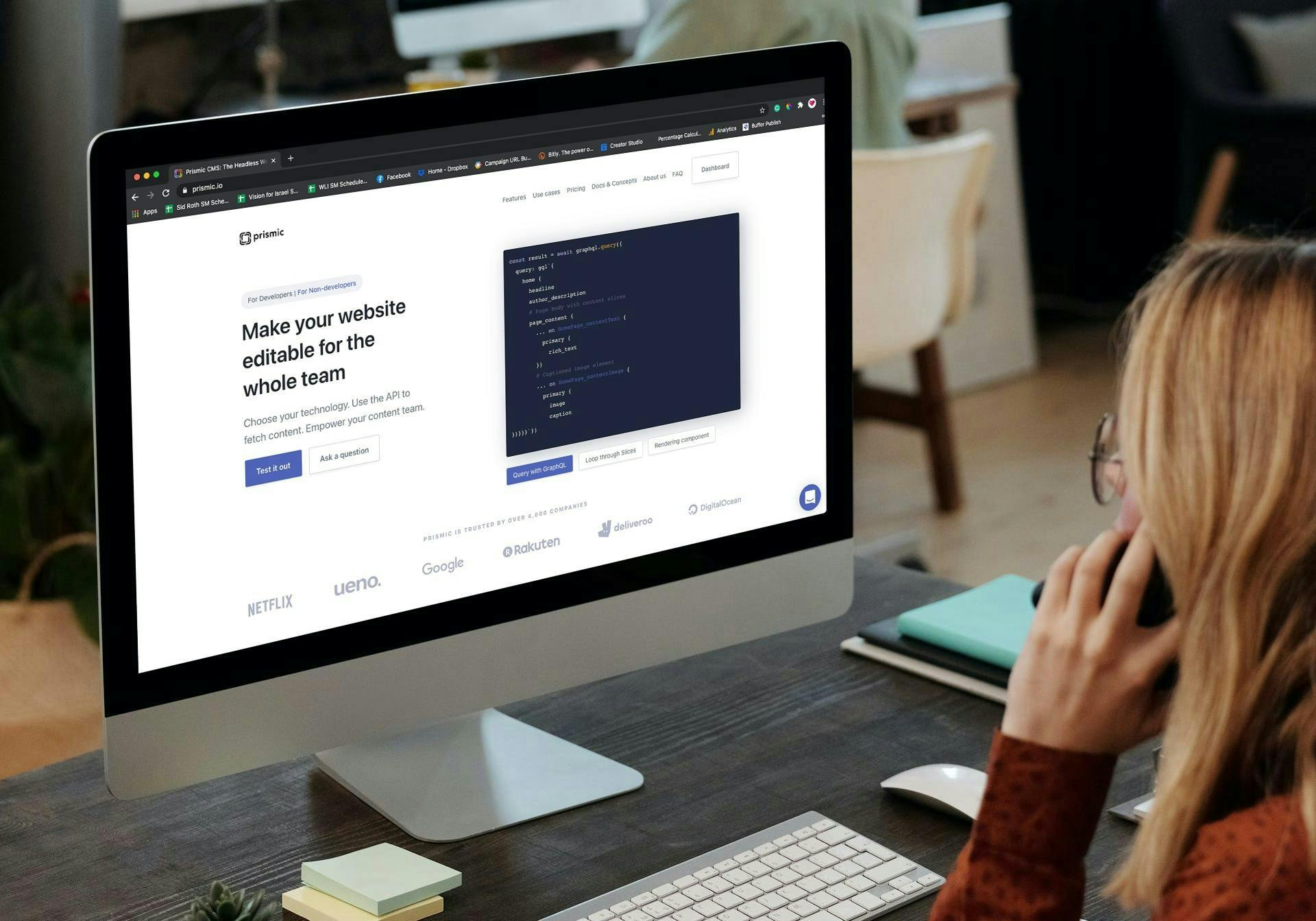
Prismic pricing (per repository, billed annually)
- Free: $0, with 1 user, 2 locales, 4M API calls and 100 GB of CDN bandwidth a month
- Starter: $10 per month, with 3 users and 3 locales
- Small: $25 per month, with 7 users and 4 locales
- Medium: $150 per month, with 25 users, 5 locales and user roles
- Platinum: $675 per month, with unlimited users and 8 locales
- Enterprise: Custom pricing, with SSO, backups, SLAs and priority support
Every plan includes unlimited documents, slices and assets, plus previews, scheduling, releases and the Migration API. (See Prismic’s pricing.)
Pros and cons
- Pros: Easy for marketers, consistent on-brand pages, low starting price, and releases and scheduling on every plan.
- Cons: You need a developer to build your slices first, support is basic below Enterprise, and extra development environments cost $3,000 a year on Platinum.
" Our own website runs on Prismic and Next.js. "
Our Experience With Prismic
We don’t just recommend Prismic. Our own website runs on it, built with Next.js and Slice Machine, and we’ve built client sites on it too, like the Vision for Israel website.
Here’s what we’ve learned:
- Marketers really can build pages. Once the slices are built, our team launches new landing pages and blog posts without a developer.
- Releases are a lifesaver. We stage changes in a release, preview them on the live site, and publish them all at once when they’re approved.
- Migration got much easier. In 2021, moving content from another CMS meant a lot of copy and paste. Prismic now includes a Migration API on every plan.
- Plan your slices up front. A little time designing a flexible set of slices saves a lot of developer time later.

Prismic vs Contentful: Which Should You Choose?

- Small or mid-size business with a marketing team: Prismic. It’s easier to use and far cheaper to grow into.
- Enterprise with many brands, apps and channels: Contentful, especially if you need its enterprise governance and add-ons.
- Not sure you need a headless CMS at all? Start with our WordPress vs Prismic guide.
Want help choosing, or ready to build? Our website and mobile app development team builds fast, custom websites on Prismic and Next.js.
Prismic vs Contentful FAQ
For most marketing websites, yes: Prismic is easier for non-developers and much cheaper to scale. Contentful is the stronger choice for large, multi-channel enterprise teams.
Let’s Build Your Next Website
We design and build fast, custom websites on Prismic and Next.js that your marketing team can update on its own.